Writen by
nguyen hoang khai
nguyen hoang khai
A multiplatform chatbot is a chatbot system that can receive, handle, and organize conversations from multiple channels within one operating logic. That is different from simply placing a chat box on a website. A web chat widget gives customers a place to message you, while a multiplatform chatbot is designed to keep context, organize data, and support the team across several customer touchpoints.
A multiplatform chatbot is a chatbot that works across multiple channels such as your website, social messaging touchpoints, or other digital conversation entry points while following the same response logic, routing rules, and operating structure behind the scenes.
The real point is not the number of channels connected. It is whether those conversations are brought together in a way that stays manageable. If customers message you in several places but each channel runs as an isolated bot with disconnected answers and disconnected data, that is not a strong multiplatform setup yet.
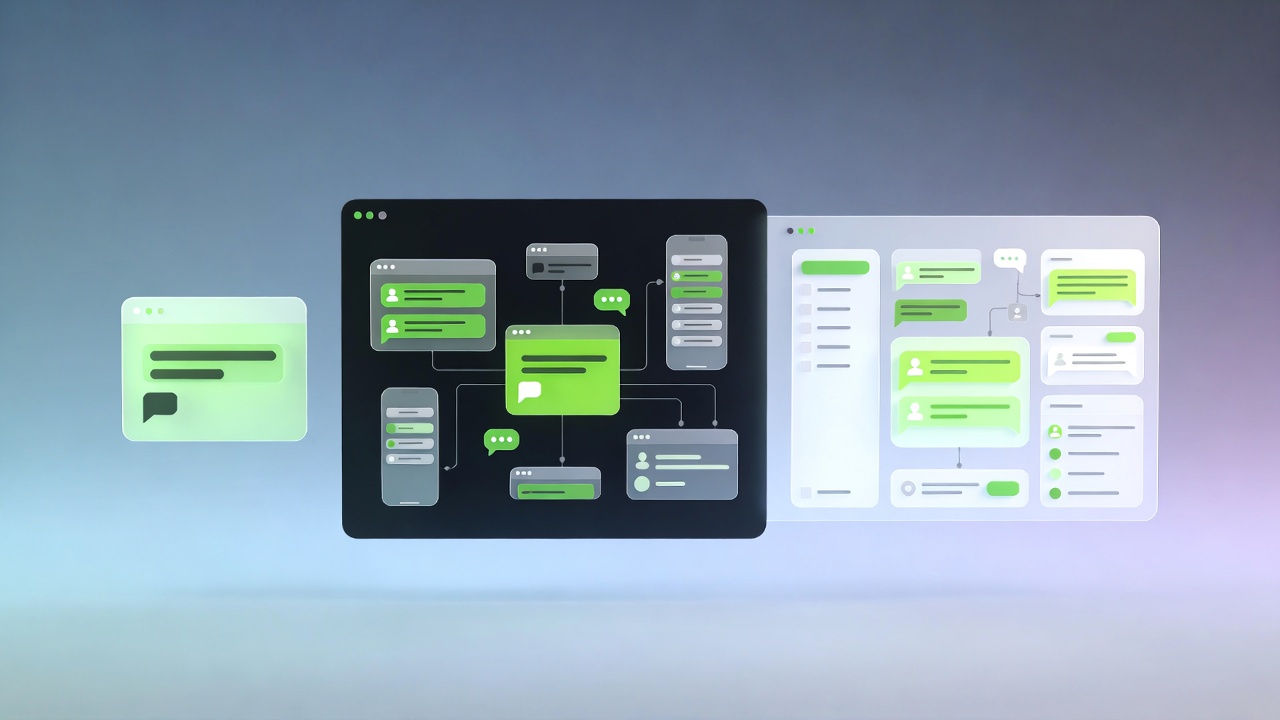
A website chat box is usually a communication layer that appears directly on your site. It can help visitors ask questions, leave contact details, or get quick answers for a few basic scenarios.
There is nothing inherently wrong with that. For a smaller business with limited channels and a website that acts as the main entry point, a web chat widget can be a practical starting point. The problem starts when a business assumes that this alone is already a full chatbot system, while real customer conversations are happening elsewhere too.
A web chat exists only on the website. A multiplatform chatbot exists where customers actually begin conversations, not only on your own site.
A simple web chat often works only within the boundaries of the website session. A multiplatform chatbot is built to preserve context across channels or at least bring conversation data into one place so the team does not have to restart every interaction from zero.
A standalone web chat usually captures only the data created inside that widget. A multiplatform chatbot needs to connect with customer records, conversation history, ticket status, or lead storage so the exchange becomes operationally useful.
A web chat solves the problem of having a window to talk. A multiplatform chatbot solves a broader problem: intake, qualification, routing, data capture, and handoff when human support is needed.
Customers no longer move through one neat path. Some discover a business on social media, visit the website to learn more, and then return to message through the channel they already use every day. Others start directly from messaging, paid ads, or a support touchpoint.
That is why focusing only on a web chat widget can miss where real conversations are happening. The chatbot may technically work, but the operation behind it remains fragmented: sales teams monitor different inboxes manually, customers repeat themselves, and data stays too messy to track properly.
There is no fixed list that makes sense for every company. A better rule is to connect the channels that already generate real customer conversations and matter to your internal handling process.
The goal is not to connect as many channels as possible. The goal is to connect the channels that already create real work and real customer data.
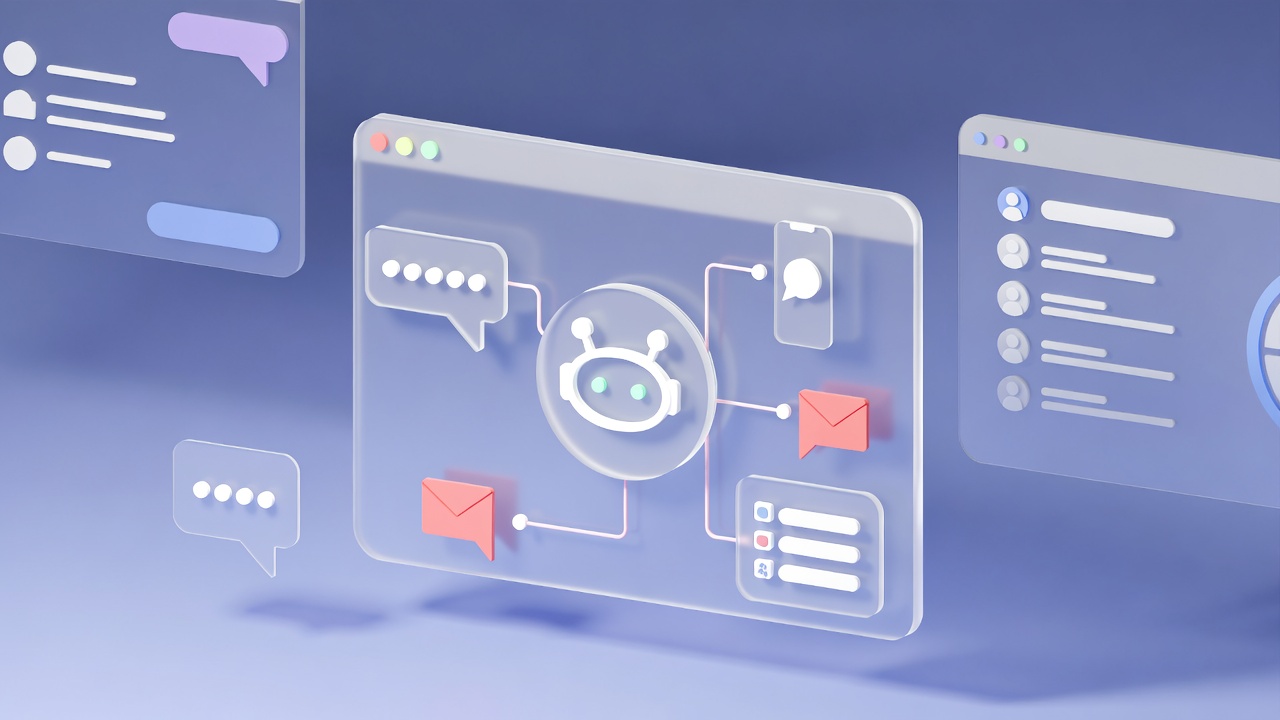
A practical setup usually has five layers.
If the data layer or handoff layer is missing, the chatbot often becomes a convenient-looking automation layer that still does not make the business easier to manage.
A standalone web chat is still a good fit when the business is small, message volume is manageable, the website is the main entry point, and the current goal is simply to answer a few common questions or collect contact details.
At that stage, a leaner setup is often better than building something bigger too early. The key is knowing the limits. Once customers begin messaging from multiple places and the team starts moving information manually, it is usually time to think beyond a single web widget.
Most failures do not come from the bot being unintelligent. They come from weak data flow and weak operational design behind the bot.
A practical starting point is to review four questions. Where are customers already messaging? Which questions repeat most often? Where should the data be stored? And at which point should the conversation move to a human?
Once those four questions are clear, it becomes much easier to decide whether a simple web chat is enough or whether a multiplatform chatbot is needed to support a cleaner, more controllable operation.
Not necessarily. A multiplatform chatbot can be rule-based, AI-based, or hybrid. The defining factor is not AI alone. It is whether the chatbot can operate across multiple channels with a consistent handling logic and usable data flow.
No. Web chat is only one touchpoint. It becomes part of a multiplatform architecture only when it is connected to other channels and shares the same logic, data, and handoff model.
Not always. If most conversations still start on the website and the team can handle them efficiently, a standalone web chat may be enough in the early stage.
If customers message from multiple places, staff copy information manually, customers repeat their needs, or leads are lost because there is no central tracking point, it is usually time to upgrade the setup.